Building anOpen-Source Intelligence Profilerfrom the ground up
Overview
- The OSINT industry is saturated with data scattered across the web, and it’s hard to correlate pieces of intel into a full picture of an individual.
- Revelio’s mission is to bring as much quality data as possible, and make it accessible and easy to understand.
- It’s developed by a cyber-intelligence company that needed its own OSINT profiler to match its competitors.
User roles
- Intelligence analysts, tasked with getting as much data as possible on individuals.
- Private market users, such as HR reps doing background checks on job candidates, or people doing market research.
Information architecture
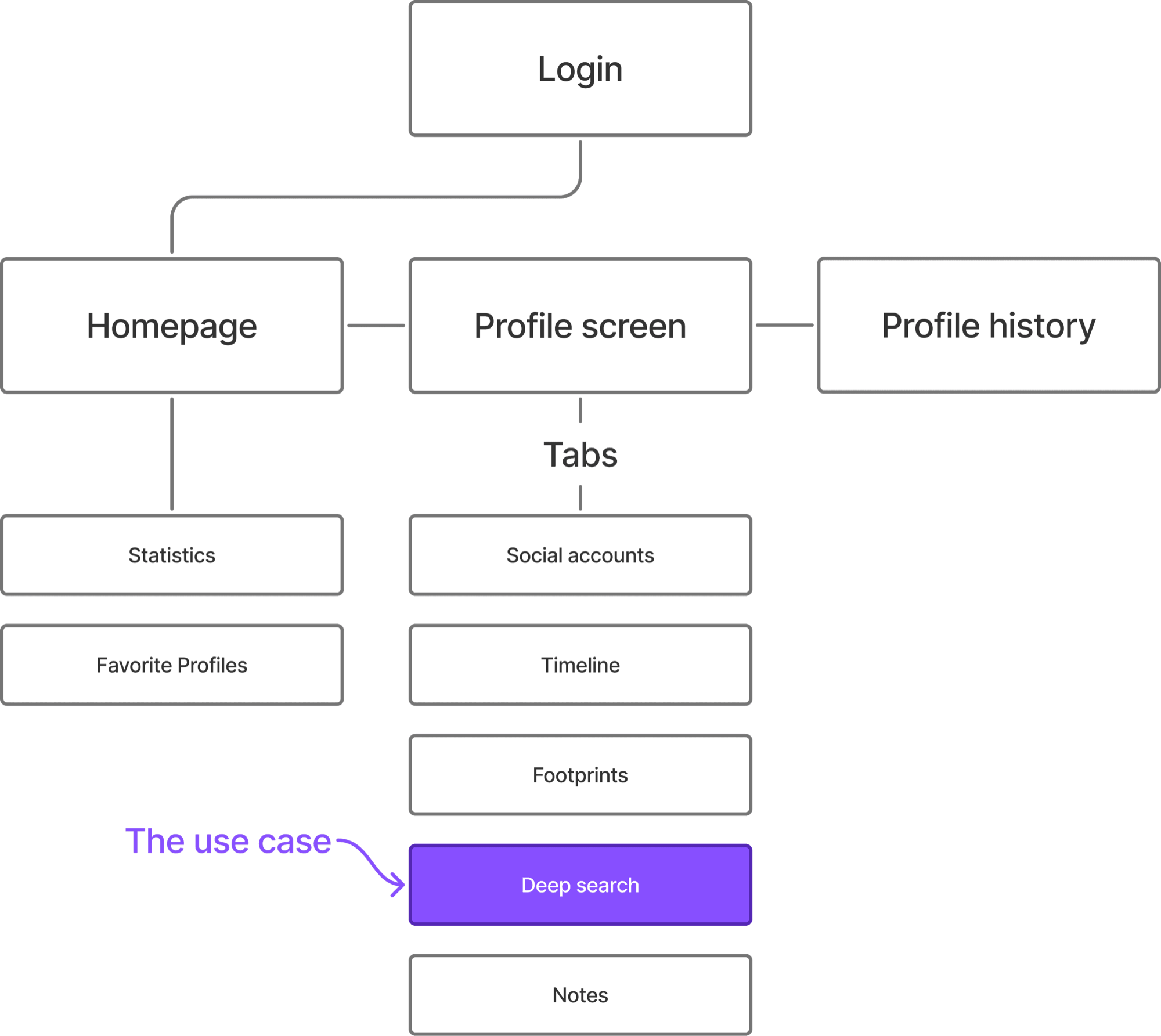
The feature
Deep search
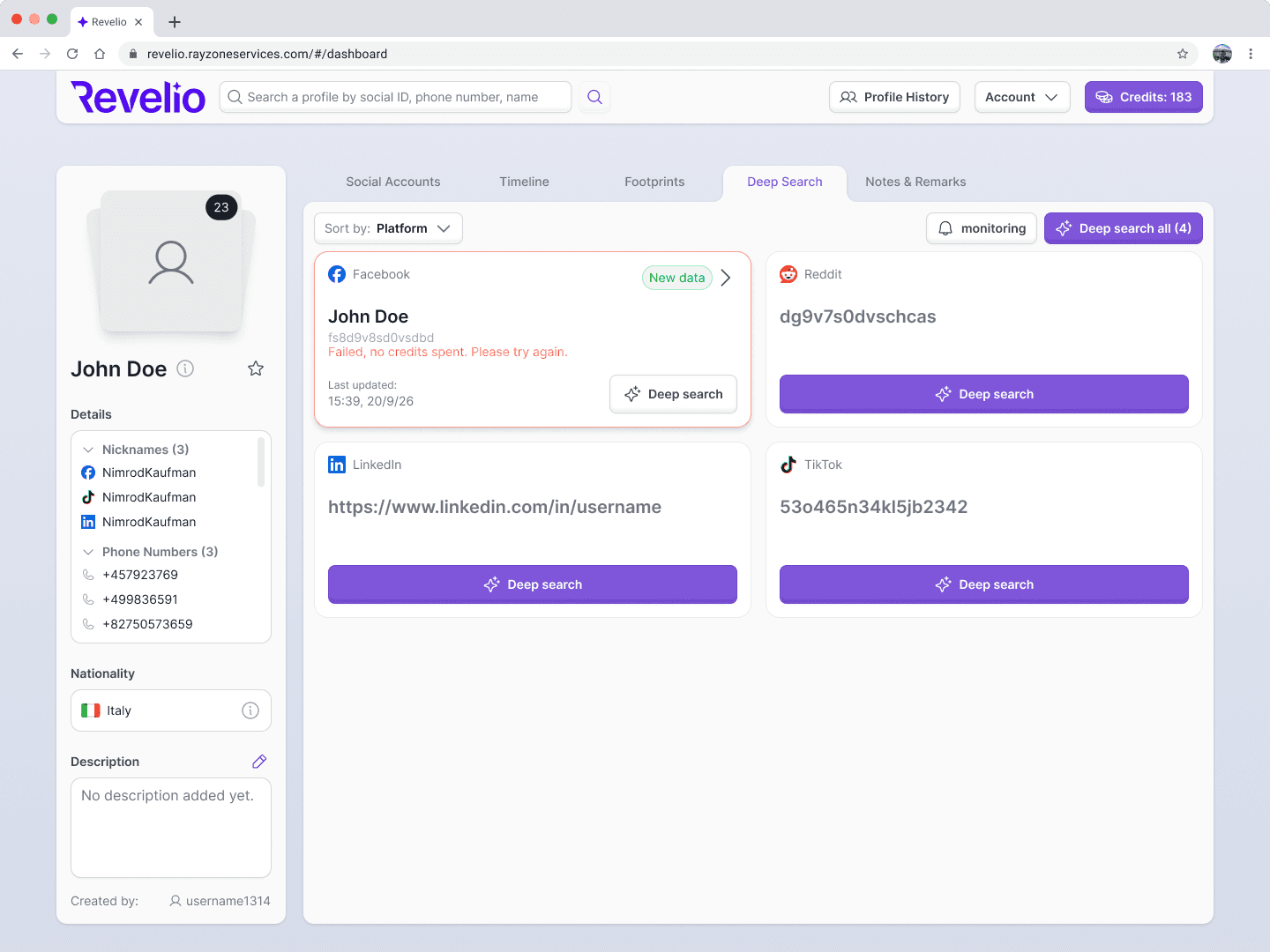
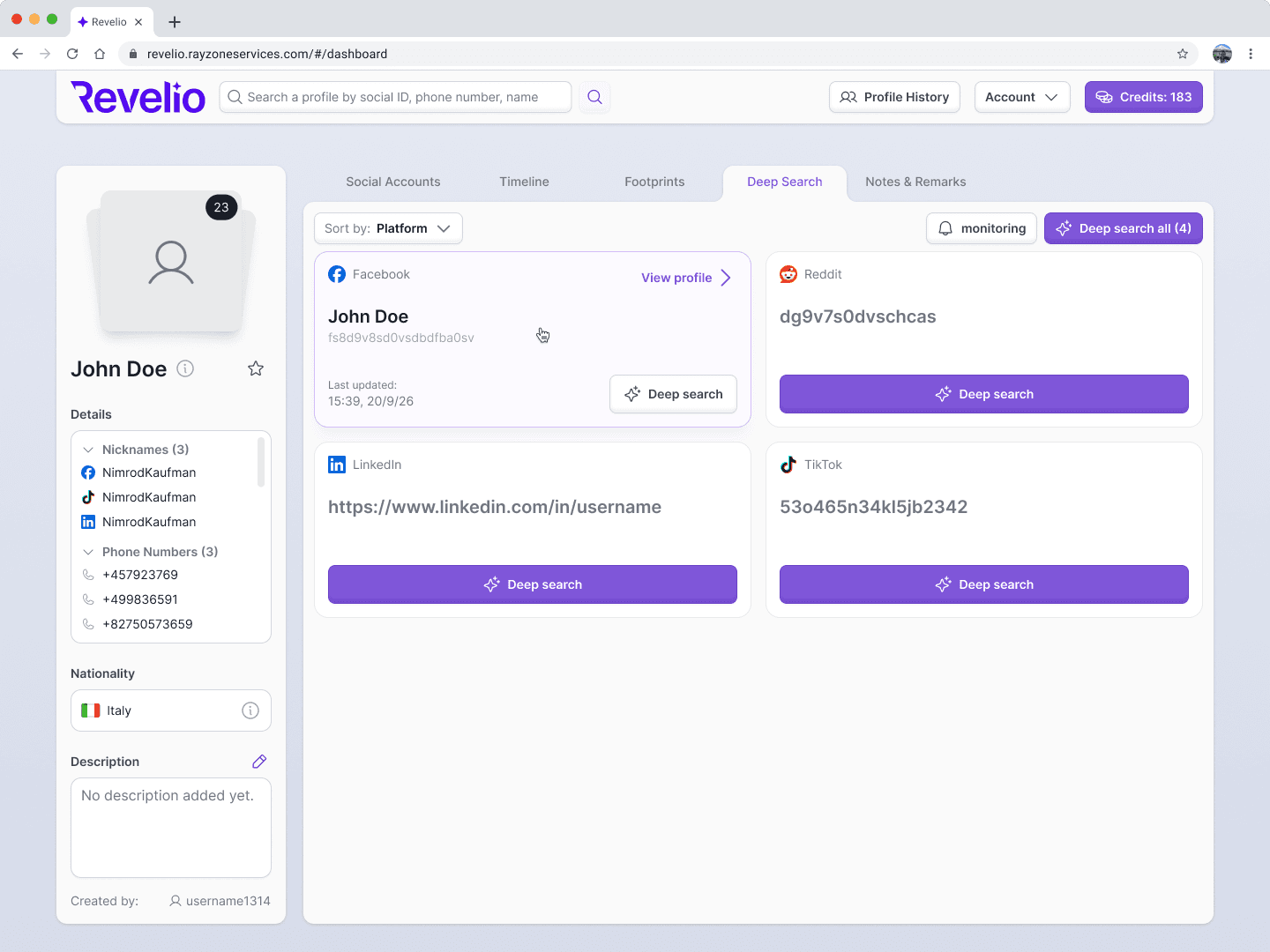
Users enter a social media identifier and query Revelio for a full social media profile. It’s how the product gathers information about individuals and monitors their online activity.
Main constraints
- Only 7 selected social media platforms are supported.
- Each query costs credits, and users can keep querying while they have a balance.
- Profiles with a lot of data can take a long time to retrieve.
- Results aren’t guaranteed: profiles can be private, and identifiers may belong to bots.

Built with AI, within the rules
Revelio is classified to external sources, so AI couldn’t be used directly in the codebase. Lovable was the right fit for creating a production-ready UI and a faster design-to-dev handoff.
Deep search: the core flow
- 1
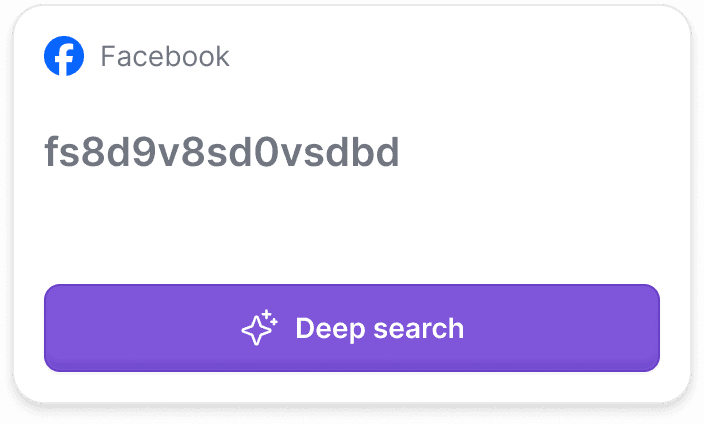
Query an identifier
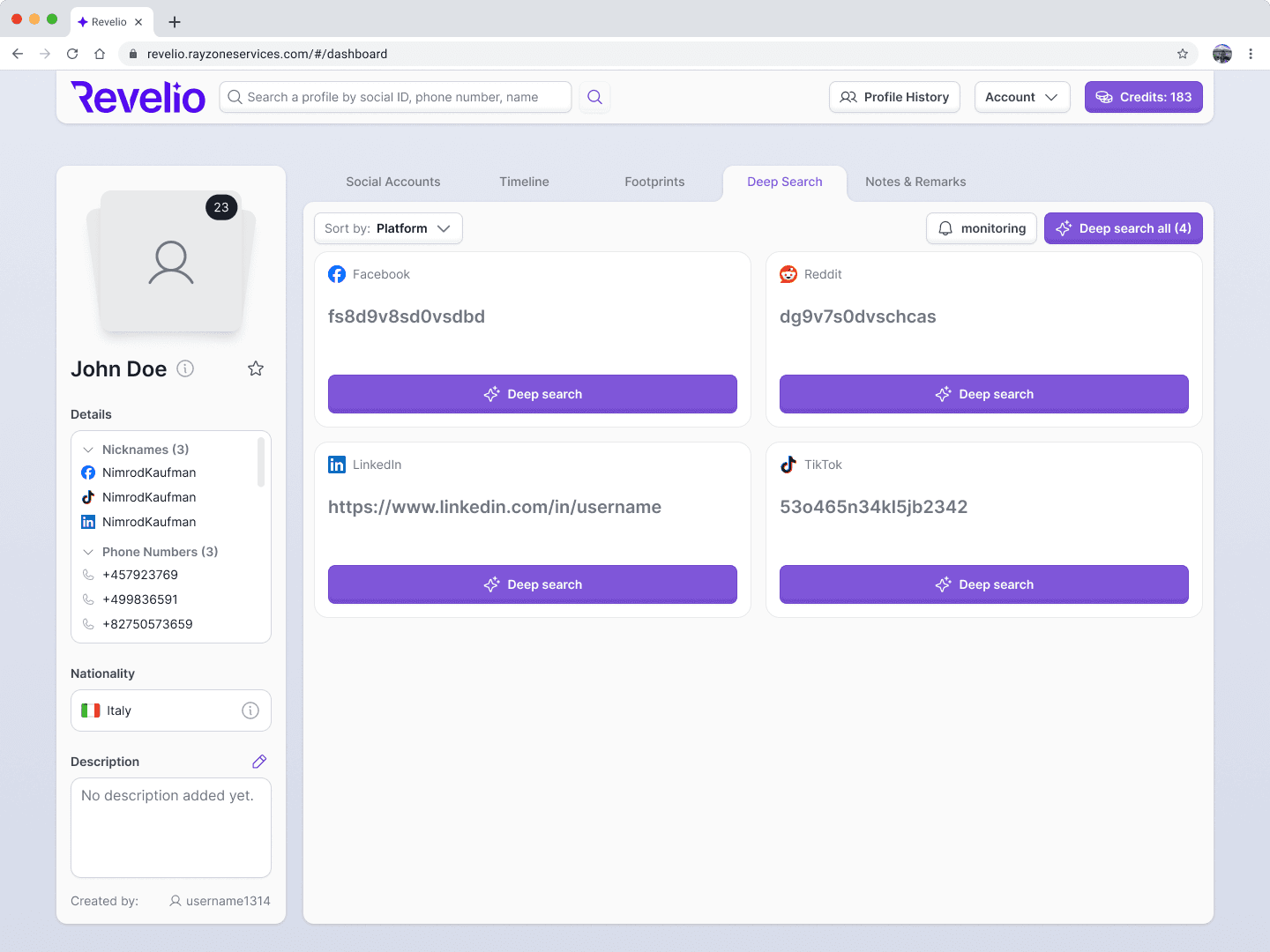
A low-contrast identifier label and a big call-to-action button hint that the card isn’t clickable yet.
- 2
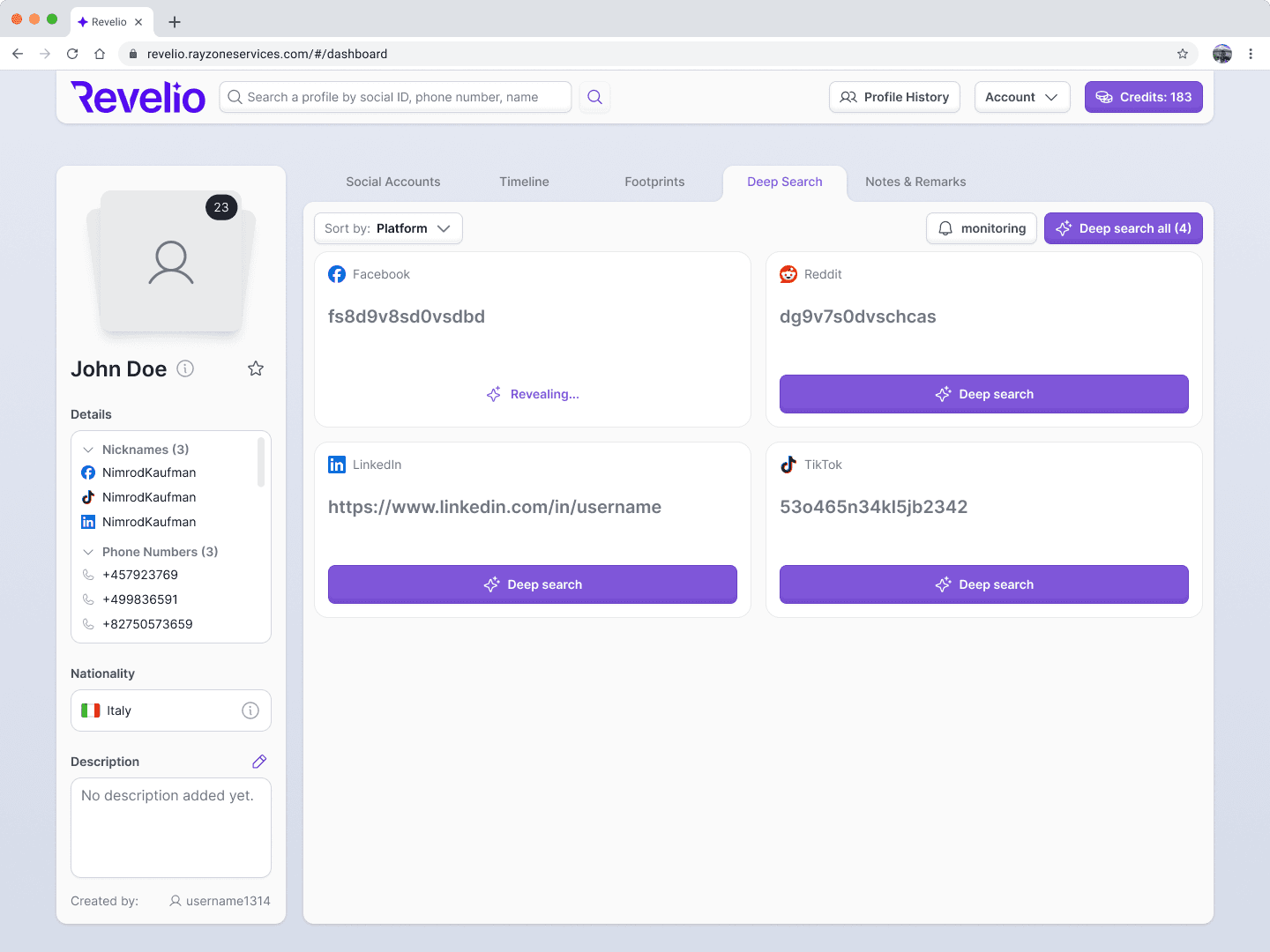
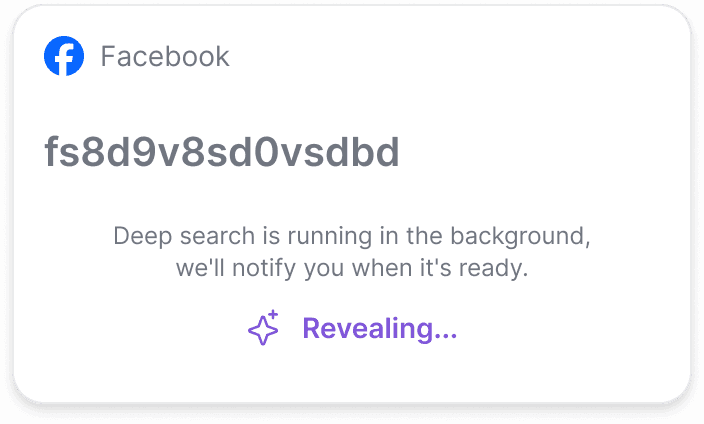
Loading
The button becomes a loading animation. Query time is unknown, so a reassuring hint appears after 3 seconds.
A system message and sound effect mark when the query is done.
- 3
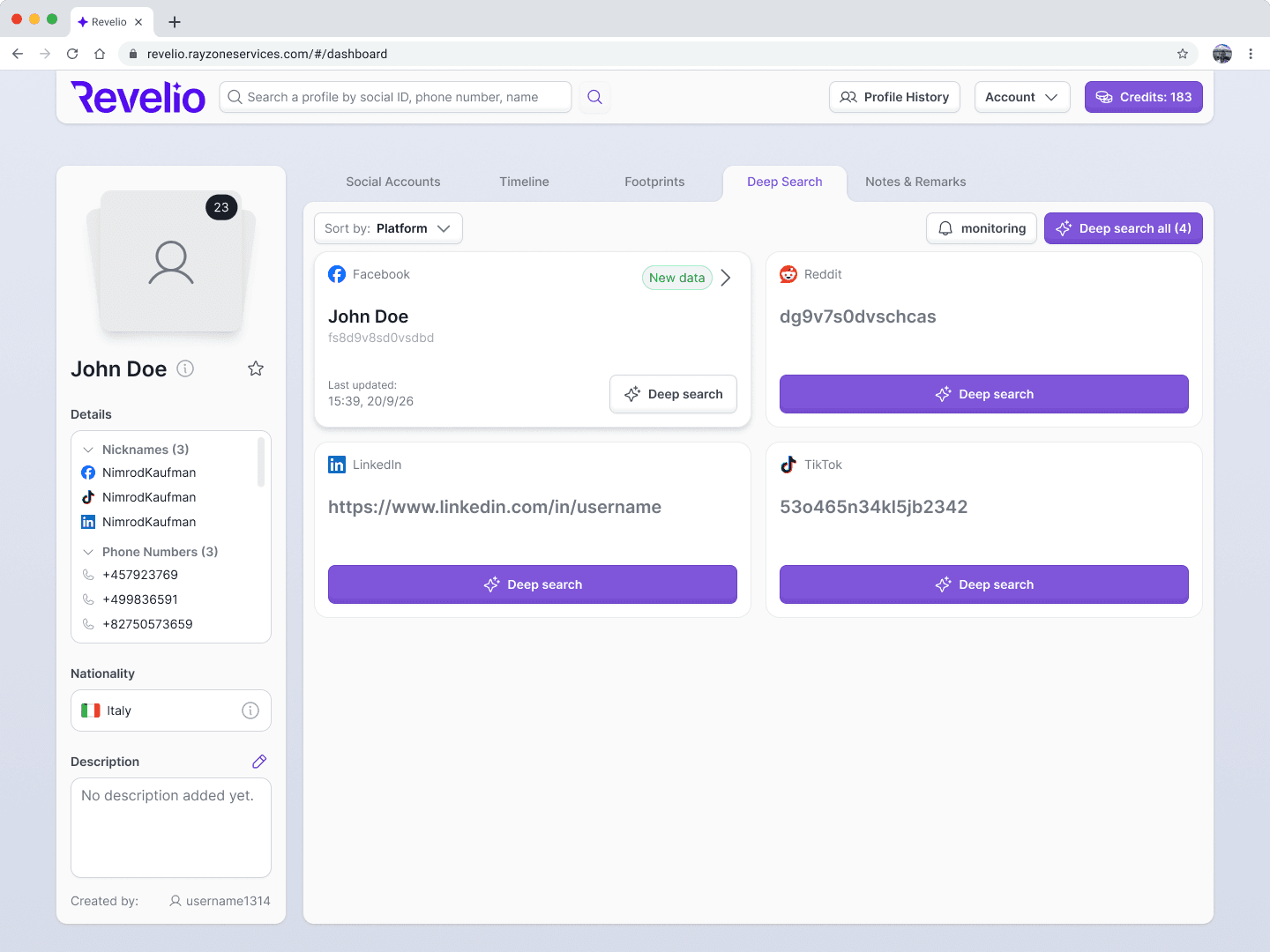
Query result
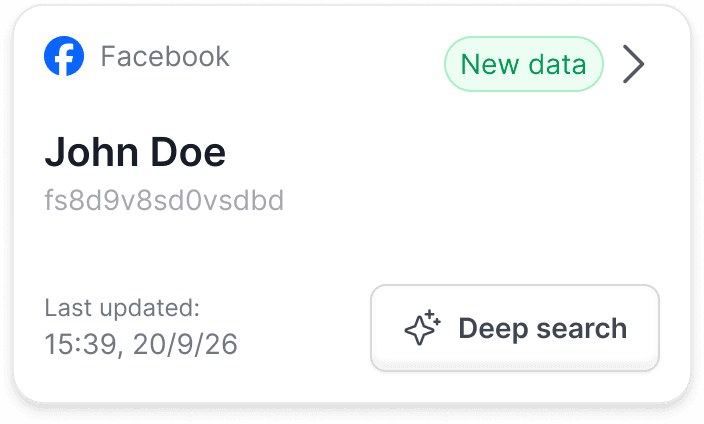
The profile’s user name replaces the identifier, which stays visible because different profiles can share a user name.
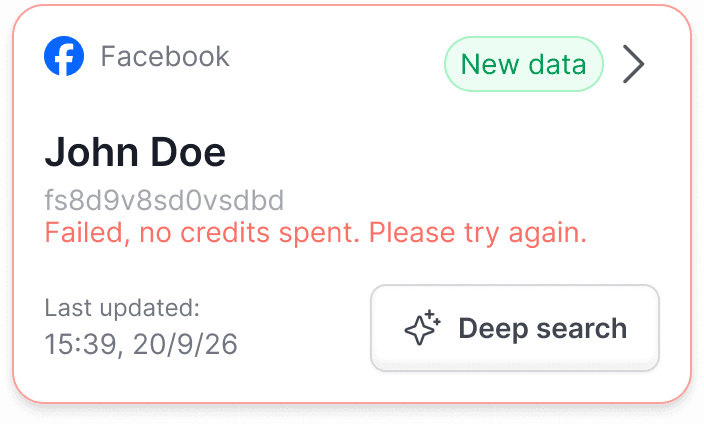
Results aren’t guaranteed, so “New data” and “No new data” badges show whether anything changed.
- 4
View results, re-query later
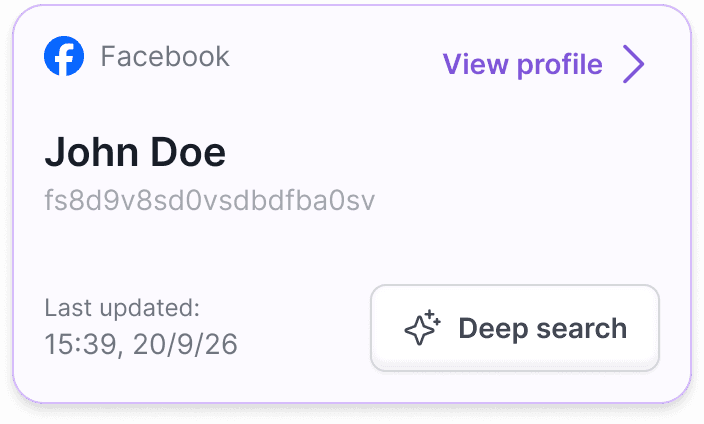
Clicking a card opens the results. The card shows when the identifier was last queried, so users can decide whether to spend credits again.
- 5
Errors
Errors can happen for many reasons the user can’t act on. Some occur after credits were spent, and some before the request was sent.